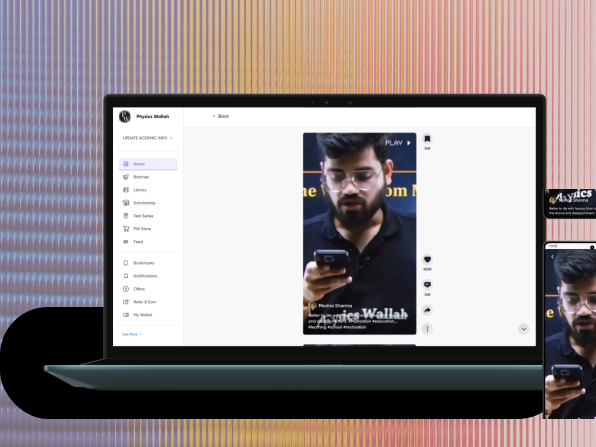
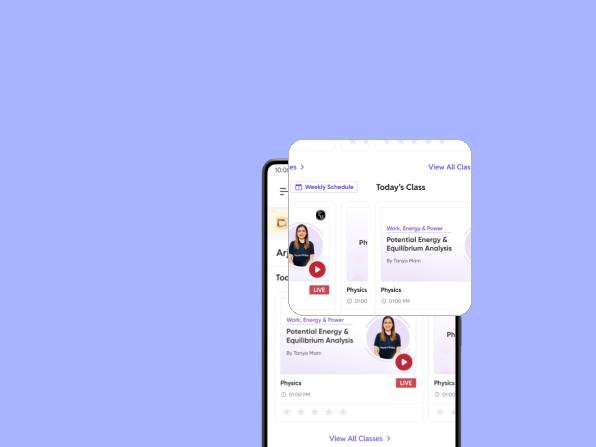
Physics Wallah
PW Parent App UX case study showcasing monitoring, analytics, and parental control features
Project Focus: Parental Monitoring System
 Physics Wallah
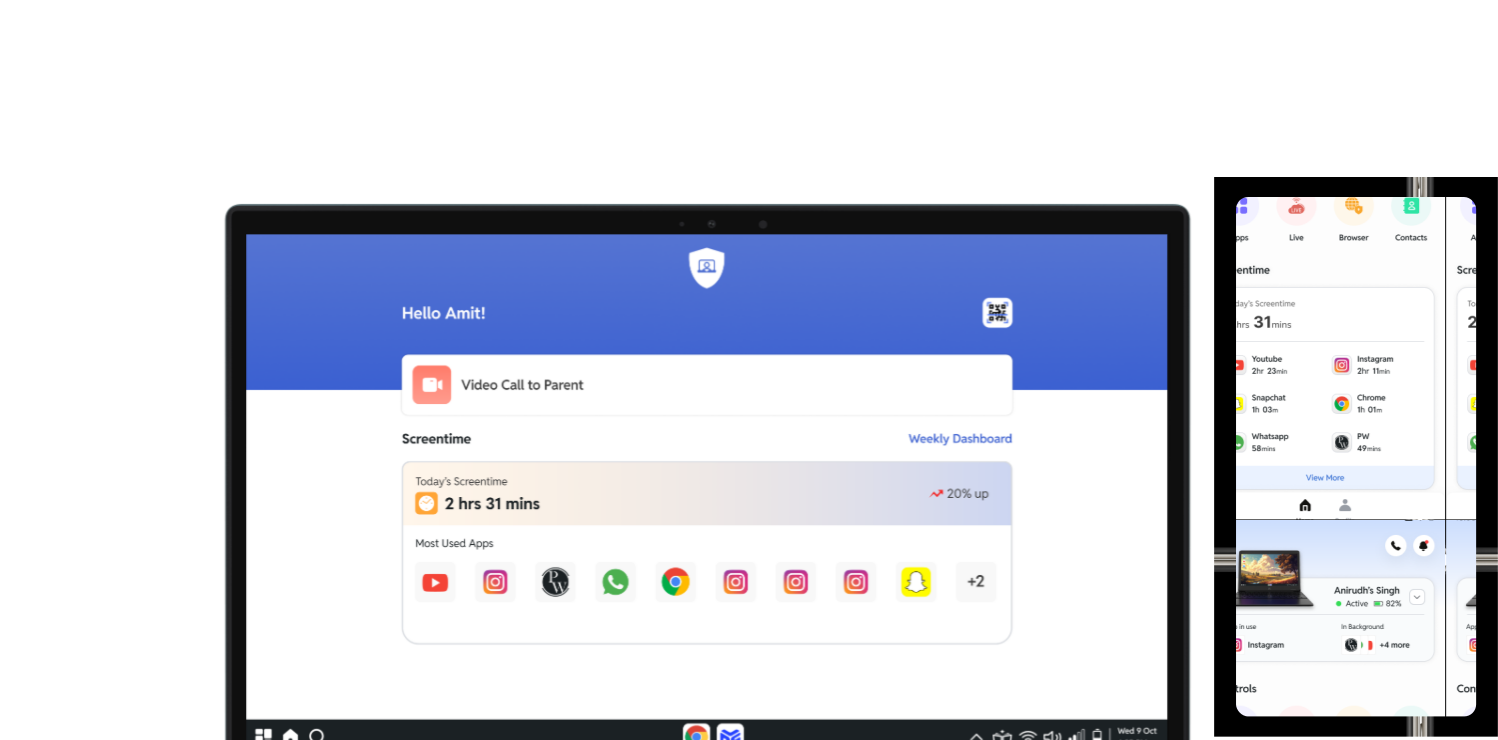
PW Parent App UX case study showing learning tracking, screen monitoring, and parental controls
The Physics Wallah Parent App is a monitoring and engagement platform designed to help parents stay informed about their child's learning journey on the Physics Wallah ecosystem.
With the rapid growth of online education, parents often struggle to track whether their children are attending lectures, completing practice problems, or using their devices responsibly. Students spend a significant amount of time on digital platforms, which makes it difficult for parents to differentiate between productive learning and distracting activities.
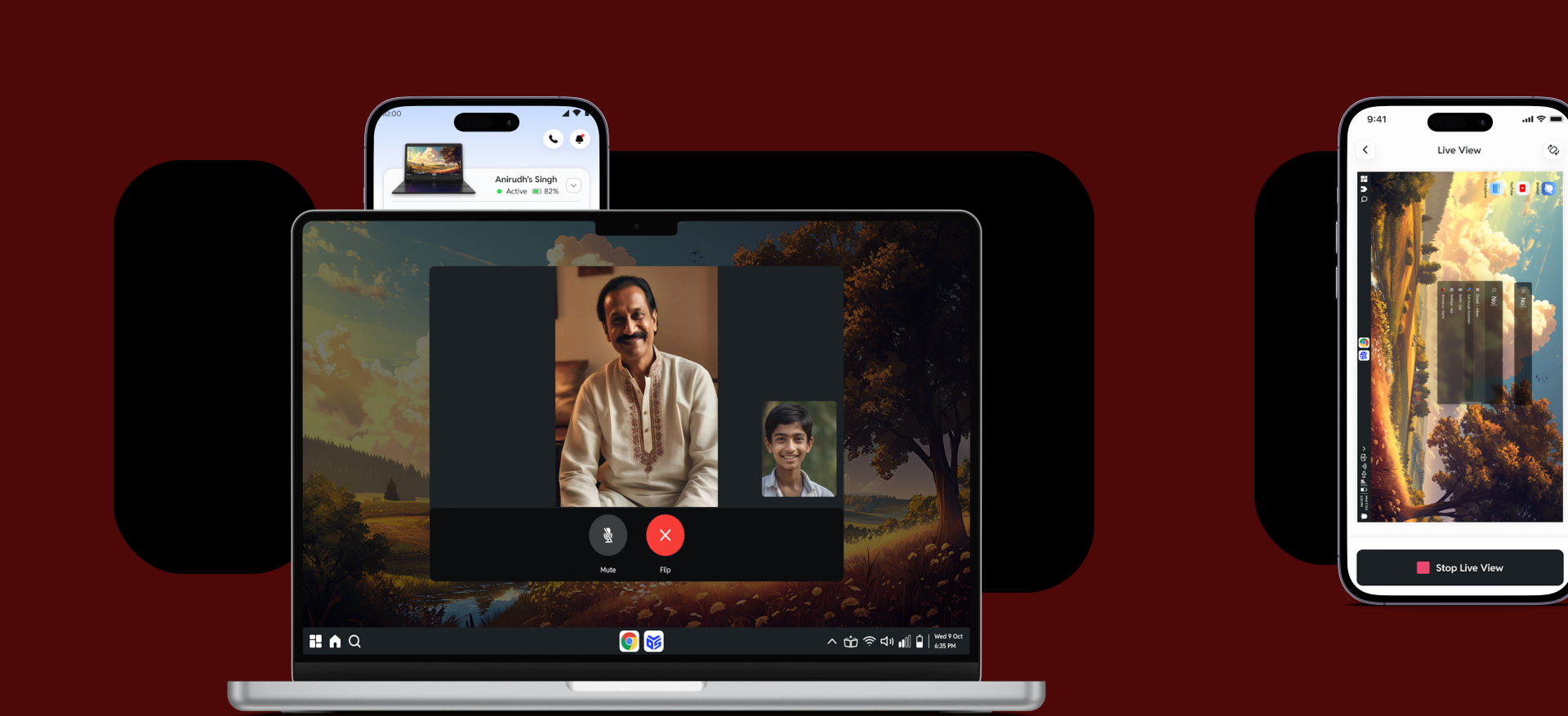
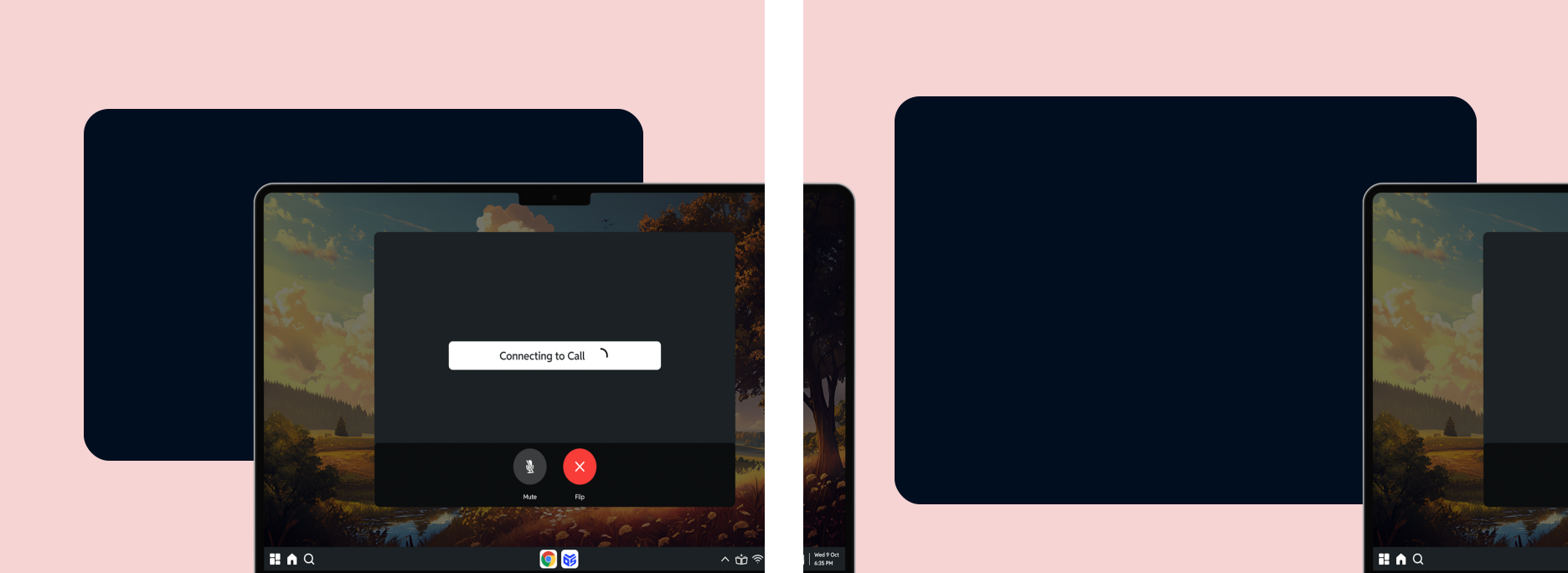
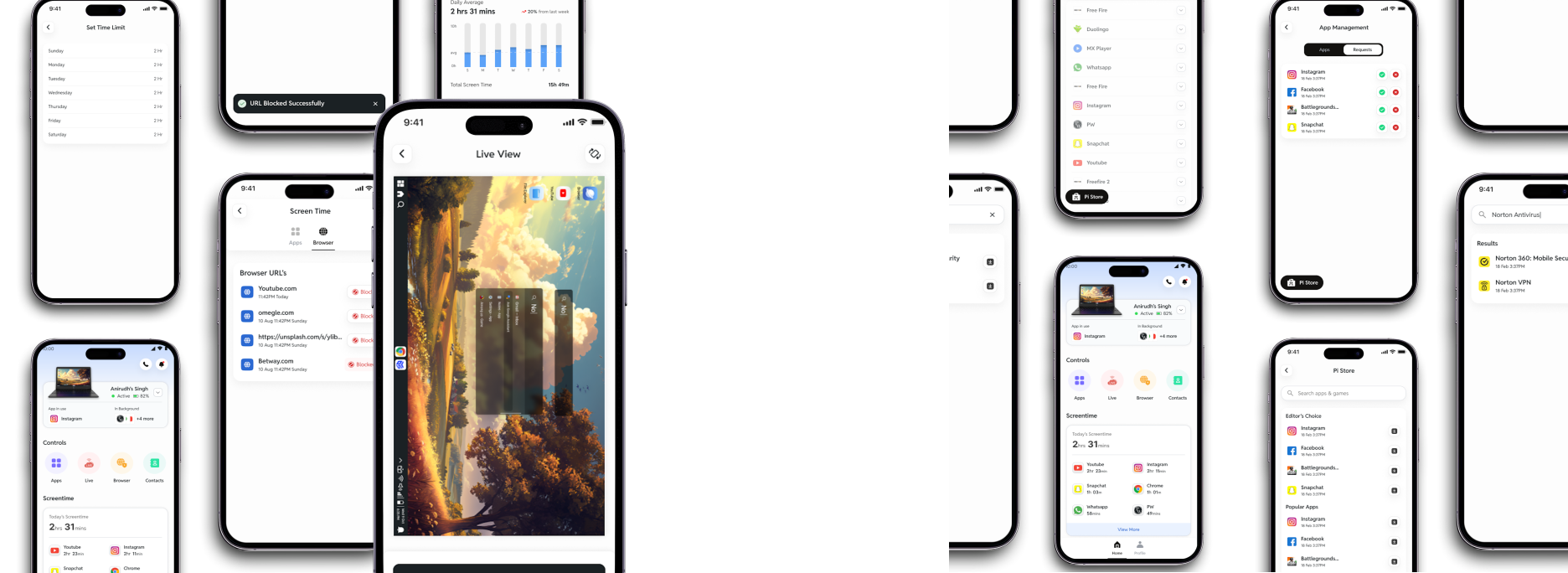
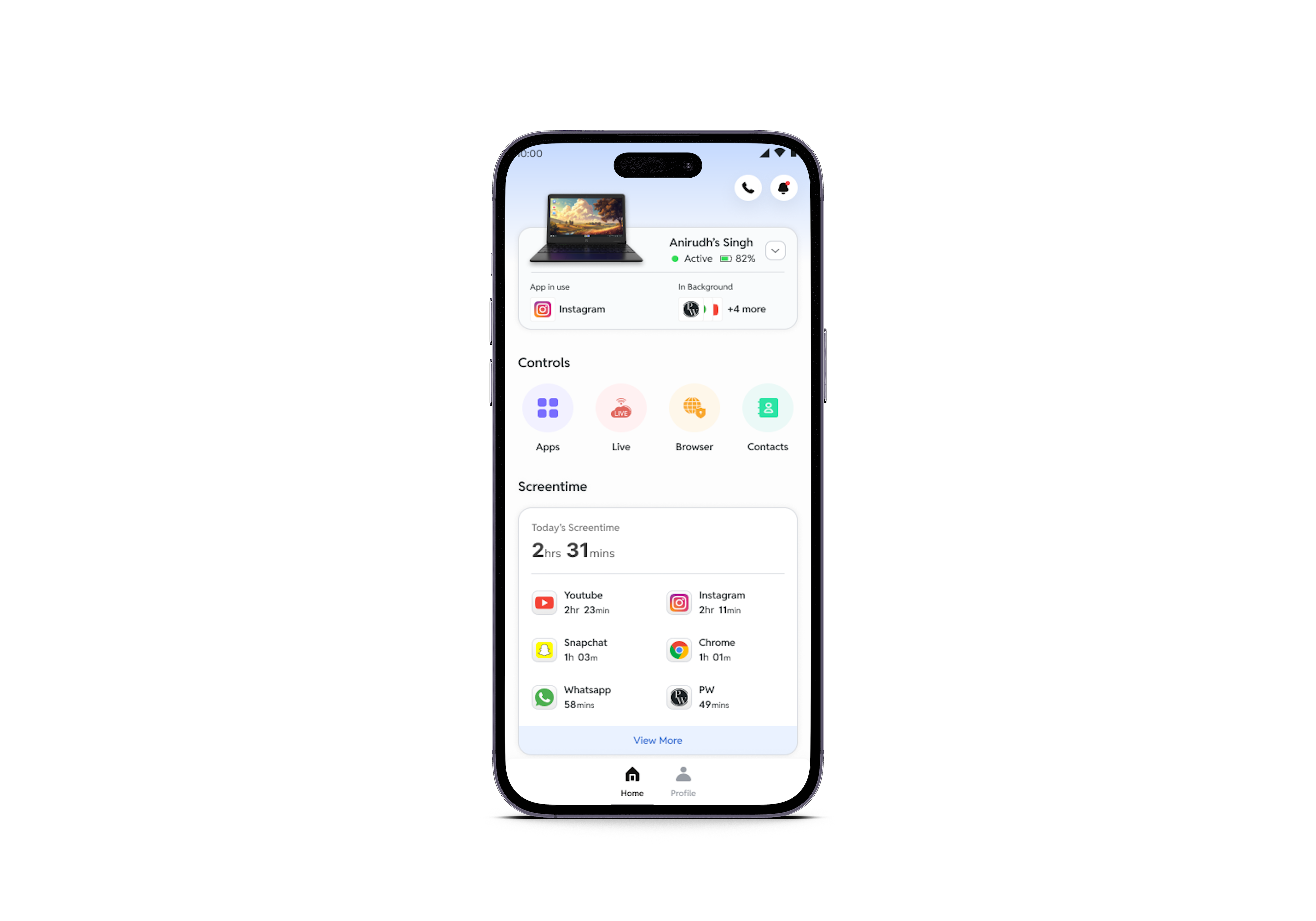
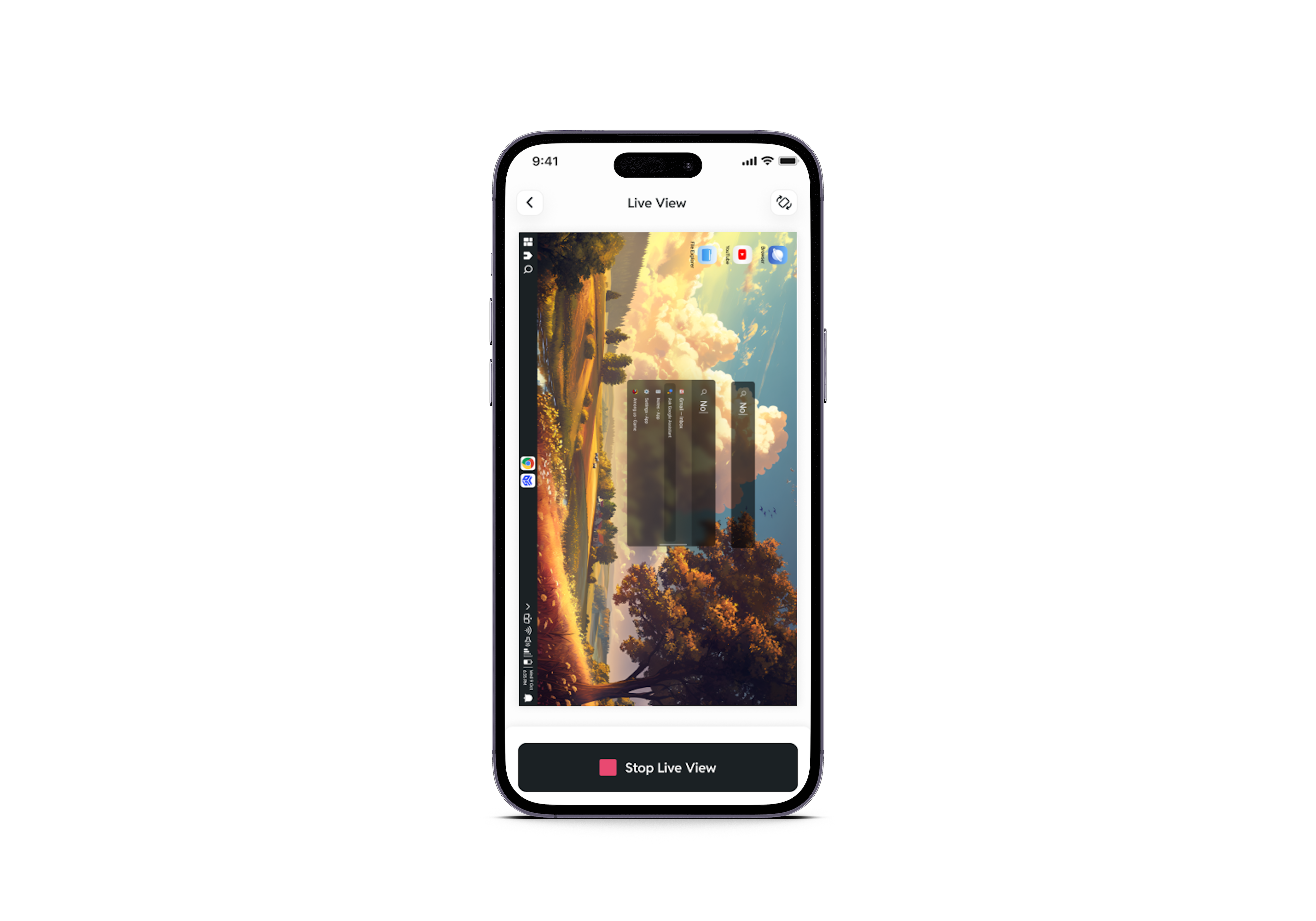
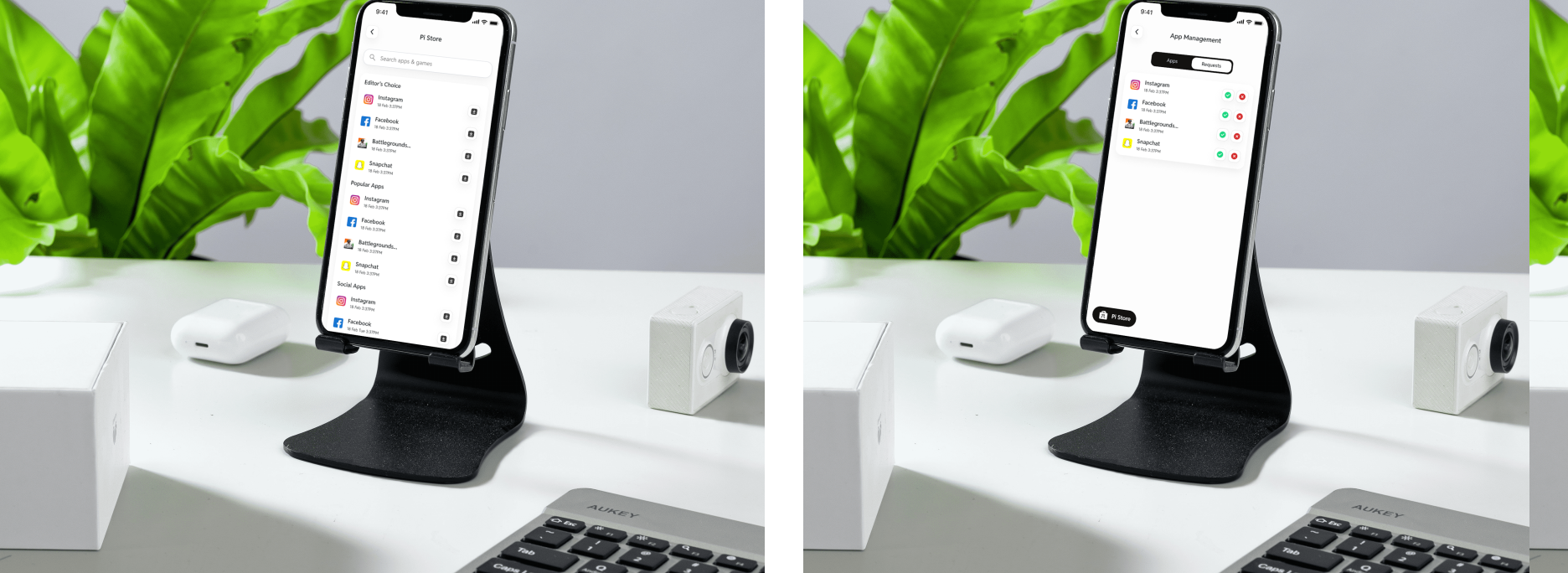
The Parent App revamp introduces a centralized dashboard where parents can monitor academic progress, screen time, and digital activities of their children. The app provides insights into lecture attendance, test performance, and learning progress while also allowing parents to manage device usage through features like app restrictions, web blocking, and screen-time limits.
The goal of this revamp is to create a transparent learning environment where parents and students remain aligned in academic goals, ensuring improved accountability, focus, and learning outcomes.
Challenges
Parents lacked real-time visibility into their child's academic progress and device usage, making it difficult to ensure productive learning. Designing a system that balances detailed insights with a simple, user-friendly interface was challenging. Integrating academic analytics with device monitoring, while avoiding complexity, required careful structuring. Additionally, reducing digital distractions without making the experience restrictive for students was a key design challenge.
Solutions
A centralized parent dashboard was designed to provide real-time visibility into learning progress and device activity. Clear visual analytics made it easy to track attendance, performance, and screen time. App and website controls helped reduce distractions, while a simple, intuitive interface ensured ease of use. This solution enabled parents to stay informed, involved, and supportive of their child's learning journey.
Key Services
Research
Research was conducted through interviews and surveys with parents of students using online learning platforms. The goal was to understand their challenges in tracking academic progress and managing digital distractions. Insights revealed a strong need for transparency, simple monitoring tools, and real-time updates. These findings helped shape a solution that combines learning analytics with device monitoring for better parental involvement.
Pain Points Discovered
Strategy
The strategy focused on creating a unified platform that combines academic monitoring with digital behavior tracking. We prioritized simplicity, clarity, and actionable insights to ensure parents could easily understand and use the app. Key features like real-time analytics, screen time control, and app restrictions were designed to enhance parental involvement while maintaining a balanced and non-intrusive experience for students.
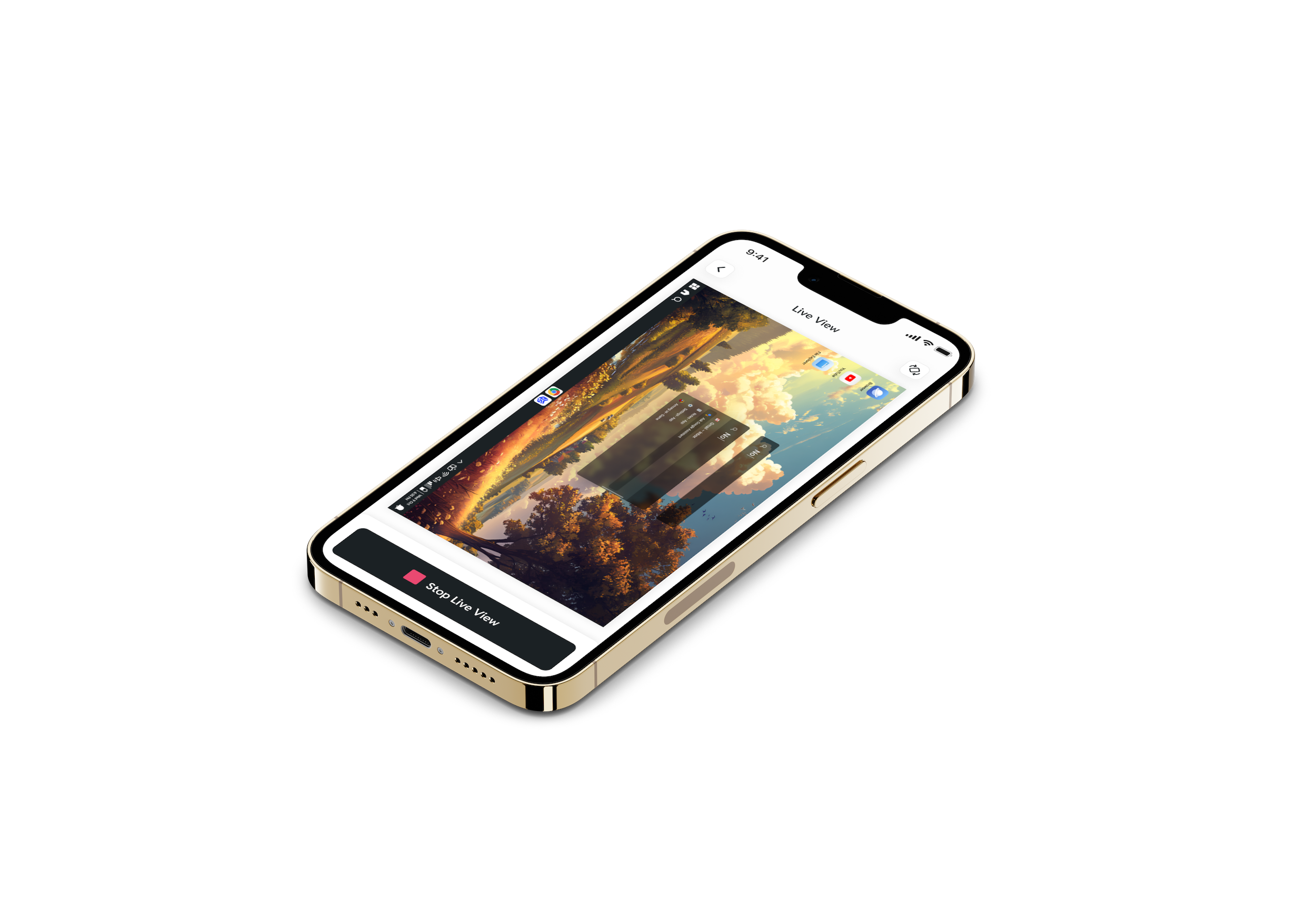
Centralized Monitoring System
Integrating academic tracking and digital behavior into a single platform for parents

Simplified User Experience
Designing an intuitive interface to ensure easy navigation for non-tech-savvy parents
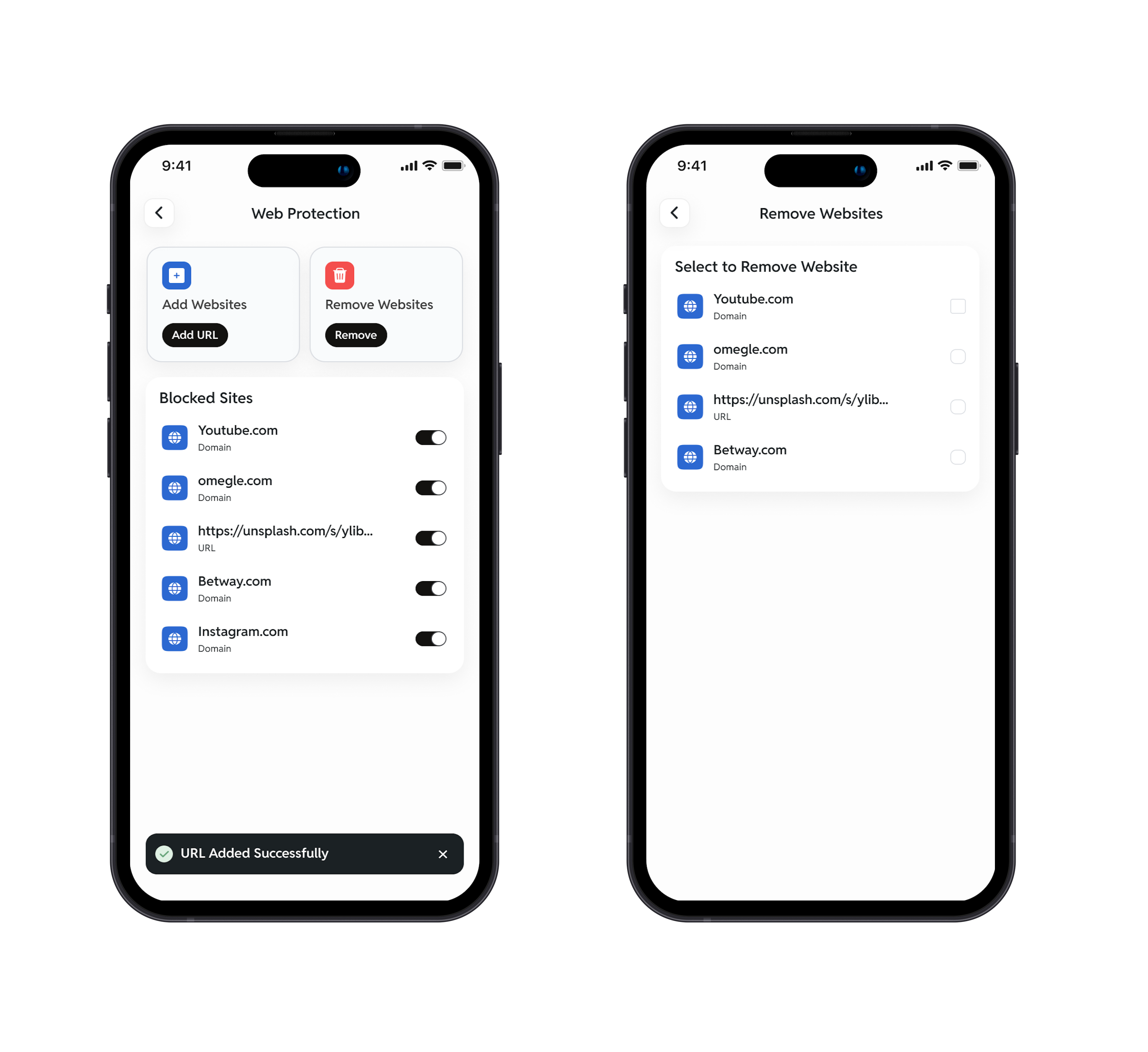
Controlled Digital Environment
Enabling app restrictions and website blocking to reduce distractions during study time
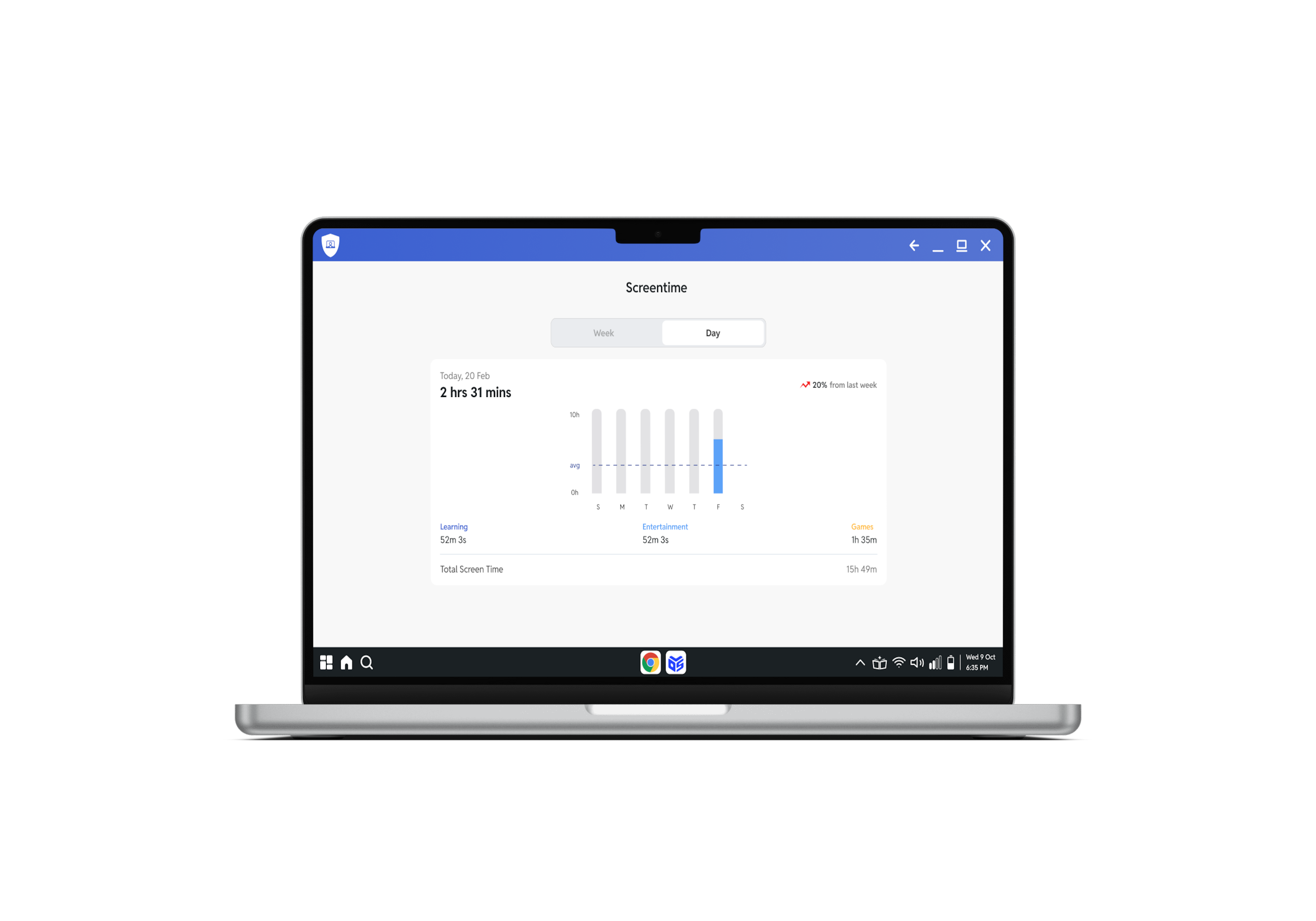
Actionable Insights
Delivering meaningful analytics and real-time updates to help parents make informed decisions
Design Process
The design process followed a user-centered approach, starting with research to understand parent needs and challenges. Insights were translated into personas, user journeys, and clear problem definitions. Wireframes were created to explore layouts and flows, followed by high-fidelity designs focusing on usability and clarity. Continuous feedback and testing helped refine the experience into a simple, intuitive, and effective solution.

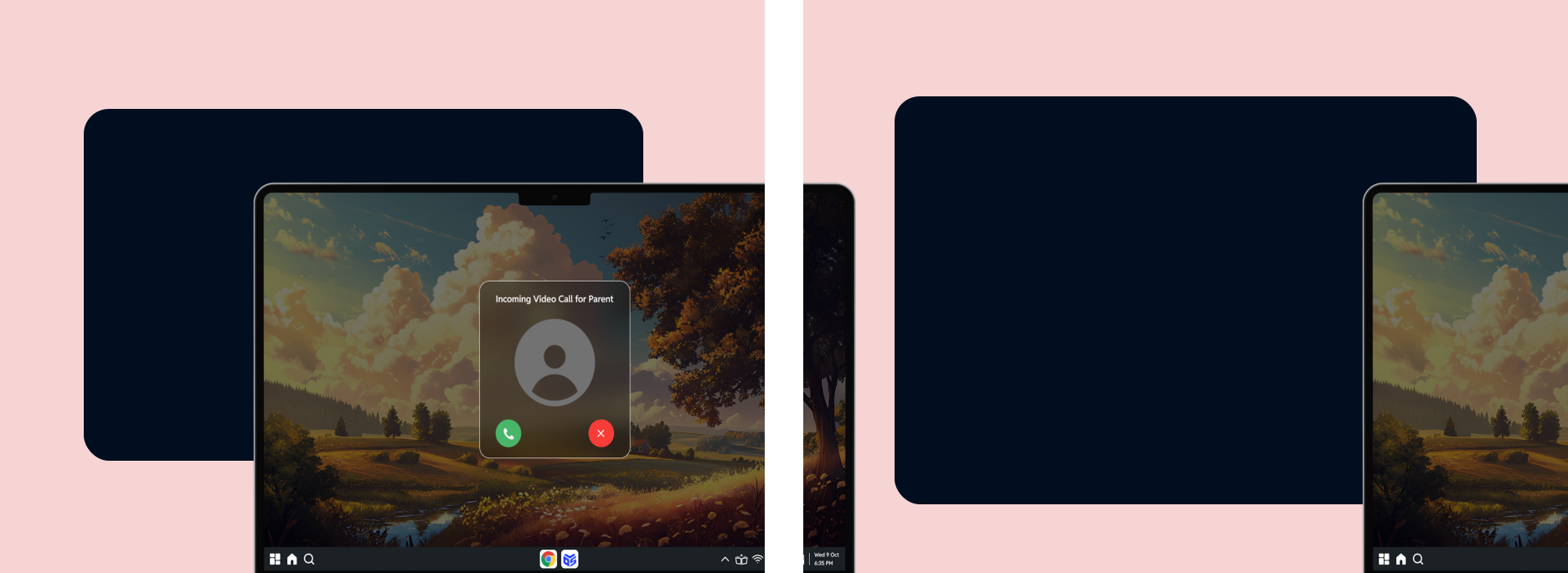



Outcome
The final solution delivered a clear and intuitive parent dashboard that improved visibility into students' learning and device usage. Parents could easily track progress, monitor screen time, and manage distractions. The design enhanced parental involvement and confidence while encouraging better study habits in students. Overall, the app created a more transparent, structured, and supportive digital learning experience for families.